Android Modding Glossary: A Guide to Rooting, ROMs, and Bootloaders
April 9, 2020 · 5 min read
Update — April 4, 2026: This post has been updated to improve clarity and structure. Key changes include corrected terminology, refined explanations of Android system images, and improved formatting for better readability.
A few years ago, when I had my first or second Android phone (a Galaxy S3 Mini), I started to take an interest in Android development. By "Android development," I am referring to the tools created by developers to alter or modify the behavior of Android devices.
While I don't personally develop these tools, I have immense respect for the developers who dedicate their free time to helping the community. In this post, I’ll share some core concepts you should know to understand the world of Android modding.
The Glossary
Rooting
Rooting is the process of allowing you to gain superuser (root) access to your Android device. This typically involves using exploits or vulnerabilities found in the device's source code to bypass restrictions.
With root access, your phone gains "superpowers" because you can modify almost any aspect of the system. However, you must be extremely careful; you could potentially brick your device (rendering it unusable) if you do not know what you are doing.
USB Debugging
This is a functionality that allows computers with the Android SDK / developer tools installed to communicate with your device over USB. This is distinct from standard MTP (Media Transfer Protocol) file transfers; it provides a deeper bridge for commands and debugging logs.
ADB (Android Debug Bridge)
ADB is a versatile command-line tool that lets you communicate with your device. Developers use it to "sideload" applications, test software in development, or run shell commands directly on the phone.
Android OS & AOSP
Android is the operating system that powers most devices worldwide, and it is based on the Linux kernel. The base source code is called AOSP (Android Open Source Project). Because it is licensed under the Apache License, anyone is allowed to modify and redistribute it.
Bootloader
The bootloader is a proprietary software image provided by the hardware vendor. It is responsible for checking that the hardware is functioning properly and then initializing the Android OS.
Bootloaders can "flash" system images to your phone. Most come locked from the factory, meaning you can only install vendor-approved Android images. People unlock their bootloaders to install non-official software, such as custom recoveries.
Important: Most manufacturers will void your warranty the moment you unlock the bootloader.
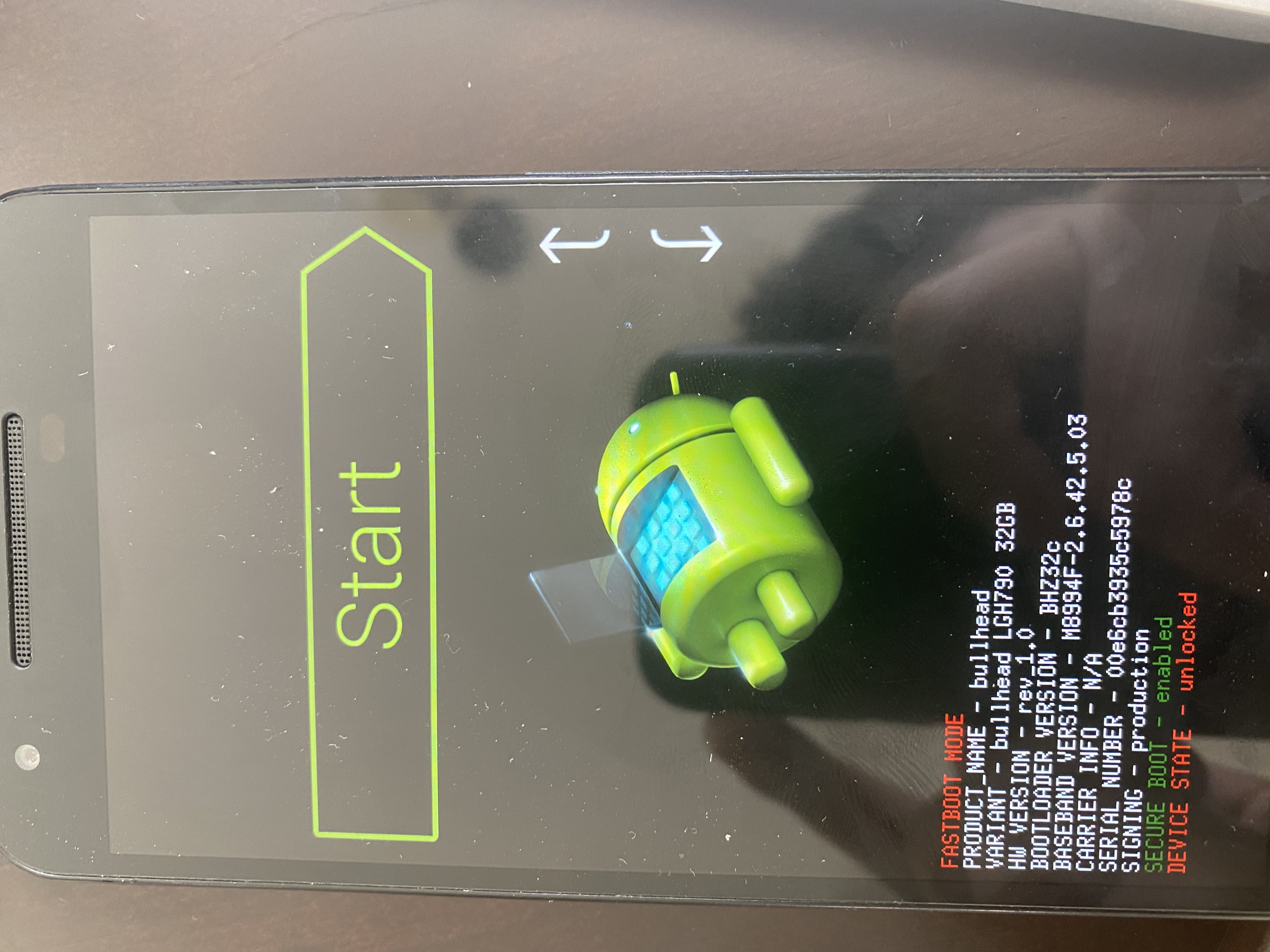
Recovery
The recovery is a separate system image used to repair or recover the OS if something fails. While a "stock" recovery is usually limited to factory resets or official updates, the community creates Custom Recoveries (like TWRP). These provide advanced functionality, such as the ability to flash custom ROMs or modify the internal kernel.
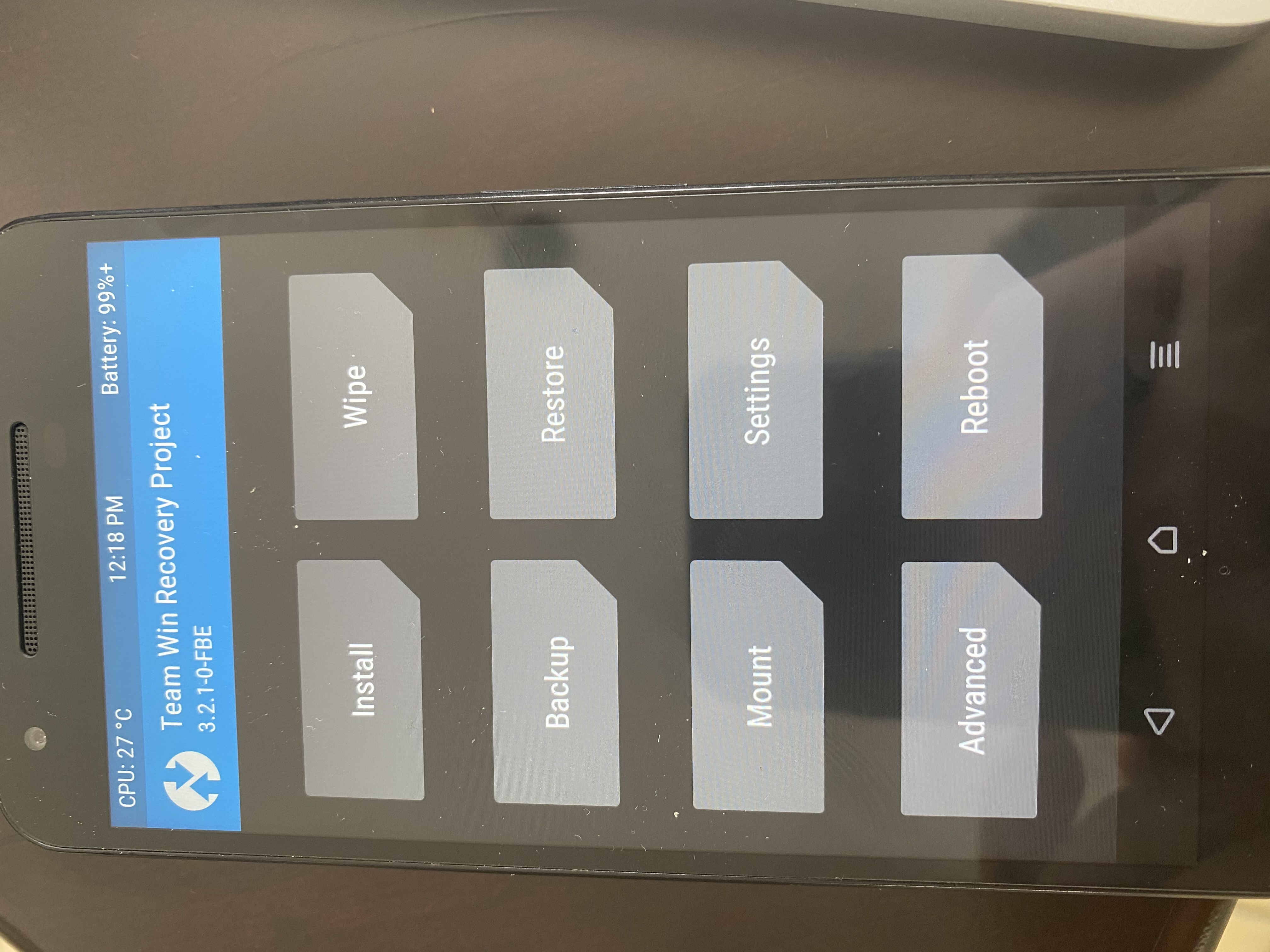
Bootloop
A "bootloop" occurs when a phone is unable to complete its startup sequence and gets stuck on the initial animation. This usually happens when something goes wrong while installing custom mods, though it can occasionally happen to non-modded phones due to hardware or software failure.
ROM
A ROM is a version of the Android OS.
- Stock ROMs: The versions provided by vendors (e.g., Huawei's EMUI or Samsung's One UI).
- Custom ROMs: Created by the community for free. LineageOS is one of the most popular examples.
ROMs are specific to each device. Some users prefer custom ROMs for privacy, as they often exclude Google apps (GApps), allowing for a Google-free experience.
GApps
An acronym for Google Apps. This is a flashable ZIP package used to install Google services (Play Store, Maps, etc.) on a custom ROM. Because ROMs usually only contain the base OS components, GApps are offered in various variants—ranging from "Pico" (minimal services) to "Full" installations.
The State of Rooting Today
In my personal opinion, the Android modding scene has changed significantly. While I don't use Android as my daily driver anymore, I remember how much fun it was to mess with custom ROMs back in the day.
Android development is still active, but it isn't as mainstream as it used to be. Modern Android phones are excellent right "out of the box." Previously, carriers and OEMs omitted features that users desperately wanted. Modding was the community's response to unlocking a device's full potential.
For example, with my Pixel 2, I didn't even bother to unlock the bootloader because the stock experience was already optimized. Pixel and OnePlus devices try to keep Android as close to "stock" as possible without bloatware. However, if I were using a device with a heavy UI overlay from Samsung or Huawei, I would likely still seek root access to clean up the interface.
Custom Android development has been incredibly beneficial to the ecosystem. Many features we take for granted today—like Dark Theme, custom profiles, advanced camera features, and "double-tap to wake"—originated in the modding community.
I don't think this community will ever die. It was created to push back against restrictive OEM and carrier practices. As long as there are limitations that affect the consumer, there will be "heroes" in the dev community fighting for more control over our devices.